Aroon Oscillator Indices Technical Analysis and Aroon Oscillator Trading Signals
Calculated from Aroon Indices Technical Indicator.
Calculation
The oscillator is calculated by subtracting Aroon DOWN from Aroon UP.
The Oscillator oscillates between -100 and +100, this is because both Aroon UP and Aroon DOWN moves between Zero & 100.
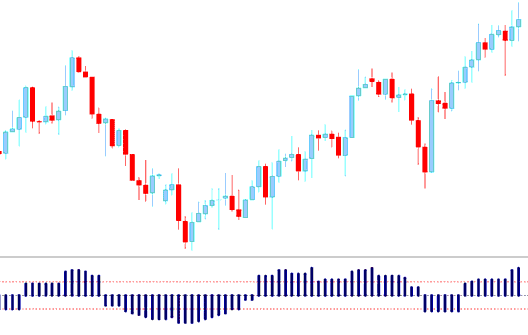
Indices Technical Analysis and How to Generate Trading Signals
Buy Trading Signal
The Oscillator gives a technical buy stock indices signal when it goes above the Zero line. The further it is from zero the stronger the up indices trend
The indicator shows stock indices trading price is gaining momentum if it keeps heading towards +100, and momentum is reducing if it's approaching the Zero mark.
Sell Trading Signal
The Oscillator gives a technical short signal when it goes below the Zero line. The further it is from zero the stronger the down indices trend
The indicator shows stock indices trading price is gaining momentum if it keeps heading towards -100, and momentum is reducing if it's approaching the Zero mark.
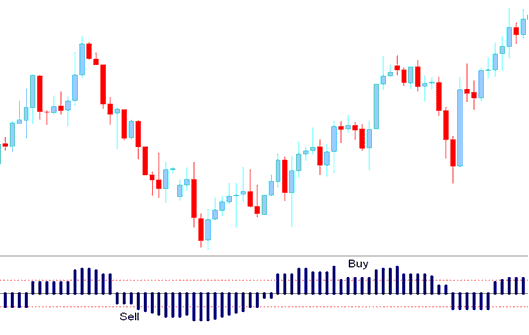
Buy & Sell Trading Signals